
Columns
- RT Number
- Return AWB
- Client SKU ID / EAN
- POB ID
One row, one AJIO ticket.
Marketplace claim ticket management is running every claim ticket, on every platform and every seller account, from one place. TrackVid raises the ticket inside the window with the video evidence attached, refreshes its status by re-reading your seller portal, and reopens it where the platform allows.
Officially authorised VMS partner of Snapdeal. Filed on your own seller portal access.
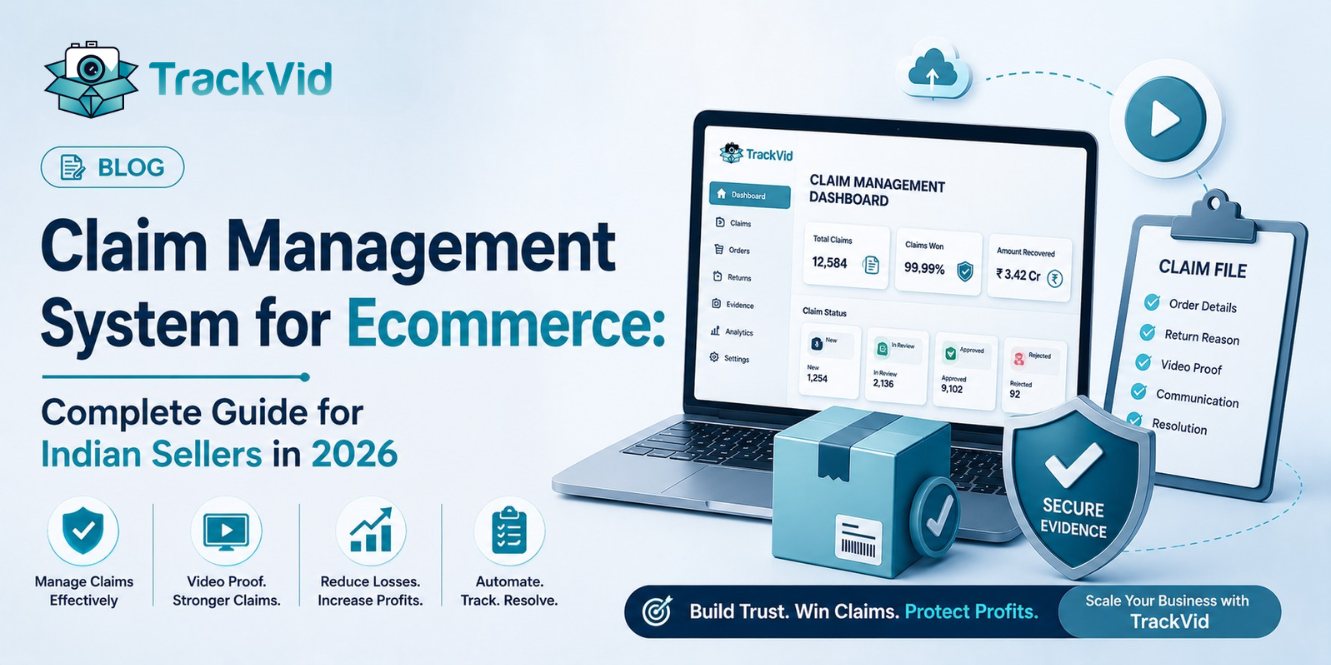
Nine platforms file claims today, each with its own ticket format, clock and portal login. The hard part is raising a thousand tickets in time.
A claim becomes money only once a ticket exists on the platform, carries the evidence that platform accepts, and is answered before the window closes. Marketplace claim ticket management is that half of the job.
TrackVid treats every claim as a ticket with the order, the matched video, the platform status and the clock attached. The claim window is written onto the ticket at creation, ten days by default, and an Out Of TAT column flags the ones running out.
Filing runs on your own seller portal access using robotic process automation. Detection is covered on the marketplace claim automation page.
Nine platforms have a working claim runner: AJIO, Myntra, Snapdeal, Meesho, Flipkart, Nykaa Fashion, Tata CLiQ, Delhivery and Xpressbees. Amazon SAFE-T is in build. JioMart is planned.
Seller accounts are not capped. Each platform holds a list of credentials, so ten AJIO accounts or four Myntra vendor codes sit under one login. Each entry carries its own username, account type, vendor code and phone number, and is marked when it signs in with an OTP.
Every ticket lands in one list, filtered by account, platform or status, with access set by user and role based access control.
The automation that filed the ticket reads it again, one AWB at a time, at most once every four days by default. There is no feed and no push, so a change shows on the next refresh, not the same second.
An operator can run a Refill Data pass when a result is needed sooner.
Refresh covers AJIO, Myntra, Meesho, Snapdeal, Flipkart, Delhivery and Nykaa Fashion. Tata CLiQ and Xpressbees have no status sync, so those tickets are updated by sheet upload.
Pending, In Review, Un Attended, In Progress, Customer Replied, Approved, Rejected, Resolved and Failed to Proceed. Myntra adds Awaiting Seller Response, Awaiting Agent Response and Paid. Nykaa Fashion adds Open, On Hold and Closed.
The rejection reason is stored where the platform returns one.
One table, used on every TrackVid page that talks about marketplace coverage. Order-linked video proof is available everywhere TrackVid records. Automated claim filing on your own seller portal access runs on the nine platforms marked Live below. The CCTV footage email reply is an AJIO process, so it applies to AJIO only.
| Platform | Claim programme | Order-linked video proof | Automated claim filing | Automatic ticket status refresh | CCTV footage email auto-reply |
|---|---|---|---|---|---|
| Flipkart | SPF | Live | Live | Live | Not a Flipkart process |
| Myntra | PPMP and SPF | Live | Live | Live | Not a Myntra process |
| AJIO | Return claims and CCTV footage requests | Live | Live | Live | Live |
| Meesho | Wrong-return and non-delivery claims | Live | Live | Live | Not a Meesho process |
| Snapdeal | SPF disputes (officially authorised VMS partner) | Live | Live | Live | Not a Snapdeal process |
| Nykaa Fashion | Return and non-delivery claims | Live | Live | Live | Not a Nykaa process |
| Tata CLiQ | Return claims | Live | Live | On request | Not a Tata CLiQ process |
| Delhivery | Logistics claims | Live | Live | Live | Not a Delhivery process |
| Xpressbees | Logistics claims | Live | Live | On request | Not an Xpressbees process |
| Amazon | SAFE-T | Live | In build | In build | Not an Amazon process |
| JioMart | Return claims | Planned | Planned | Planned | Not a JioMart process |
Ticket status is refreshed automatically by re-reading your seller portal, not by a marketplace feed, so a status change appears on the next refresh rather than the same second. NDR and delivery dispute claims are an AJIO process today and are described on the marketplace claim ticket management page, along with bulk Excel uploads and running many seller accounts from one login. TrackVid files claims on your own seller portal access using robotic process automation, so no marketplace claims API is required.
AJIO only
Raised from Not Delivered Returns in your master import, or a sheet upload
AJIO only
Raised from Delivery Disputes Returns in your master import, where AJIO records the return as delivered and you never got it
One per disputed return
Raised from The disputed amount and the SKU received
One claim each
Raised from Claim area, vendor code or early refund QC fail
One claim each
Raised from The sub order, packet or dispute fields asked for
One per failed unit
Raised from Your upload, with the forward AWB and unit price
Answered, not queued
Raised from The request email, with the order-linked video
There is no separate return not received claim type. On AJIO that case is a DDR, the nearest equivalent. NDR and DDR are an AJIO process today, not a Flipkart, Myntra or Meesho one. See return inspection and AJIO automation.
Shipping over 100 orders a day? See your open tickets by platform and account.
Book a free 15-minute demoFill one row per return and upload the template back.
Columns
One row, one AJIO ticket.
Columns
For AJIO, Myntra and Meesho. It brings your ticket list back in line with the portal export, not re-filing.
Re-filing a decided ticket is a Myntra process, one ticket at a time, from a rejection export you upload.
No other platform re-files with the marketplace. SPF claim automation covers the QC report route, and unfiled claims explains what a backlog costs.
TrackVid covers return-side reconciliation (returns never received, RTO not scanned back, quantity mismatches) and leaves fee, commission and settlement audits to accounting tools.
TrackVid records outbound packing and inbound returns linked to orders; B2B inbound delivery recording is not included.
It is not an order, inventory or warehouse management system, and it works without an OMS. Orders are identified at the packing station from the barcode or the typed Order ID.
One list beats three portals and a spreadsheet.
Vendor codes multiply faster than the team does.
NDR, DDR and the CCTV footage email are AJIO processes, and all three are automated.
Re-claim turns a rejection export into reopened disputes, one ticket at a time.
Marketplace claim ticket management for several clients, with access scoped per role. See the video management system page.
It is running every claim ticket, on every platform and every seller account, from one place: raising the ticket inside the window, tracking its status, and reopening it where the platform allows. TrackVid does this across nine platforms with the video evidence attached automatically.
Yes. TrackVid holds many seller accounts per platform under one login, each with its own credentials. Every ticket appears in one list, filtered by account, platform or status, with access scoped by user role.
For AJIO, yes. Not Delivered Returns are raised automatically from your master import, and can also be raised from an operator sheet upload. NDR automation is an AJIO process today and is not available on other platforms.
A DDR is a Delivery Disputes Return, where AJIO records the return as delivered and you never received it. TrackVid raises these automatically from your master import with the evidence attached, and tracks them to approval or rejection.
For Myntra, upload your rejection export and TrackVid reopens each ticket as a portal dispute. For AJIO, Myntra and Meesho you can also upload a bulk status update sheet to bring your ticket list back in line with the portal.
Yes. Every ticket carries its platform status, with the rejection reason where the platform gives one. Status is refreshed automatically by re-reading your seller portal, so a change appears on the next refresh rather than the same second.
No. TrackVid files on your own seller portal access using robotic process automation, so it works on platforms that expose no claims API. Portal access is agreed at onboarding and can be withdrawn by you at any time.
TrackVid covers evidence-based claims and return-side reconciliation. Fee, commission and settlement audits sit with your accounting tool, and TrackVid is not an order or warehouse management system. Most sellers run it without either.
AJIO ke liye TrackVid aapke master import se NDR detect karke claim automatically raise kar deta hai, evidence ke saath. Ek saath bahut saare tickets ke liye ek Excel sheet upload karein. Window miss nahi hoti.
Myntra ke liye rejection export upload karein, TrackVid har eligible ticket ko portal par dispute bana deta hai. Pehla rejection aksar final nahi hota, aur yahi claims sabse zyada chhoot jaate hain.
Figures here come from TrackVid data, and recovery varies with marketplace mix and claim eligibility. Full terms and conditions.
Last updated: 17 October 2026
In one session you will see marketplace claim ticket management on your own accounts: which tickets are open, which windows are closing, and what the automations would have raised.
Book a free 15-minute demo1,100+ sellers. Officially authorised VMS partner of Snapdeal. Live in under 15 minutes.